Summary
| Mentor(s): | Dr. Mike Murphy |
|---|---|
| Project Type: | Software development and engineering; user interface design |
| Technologies: | Python, Qt (PySide6 and Qt Designer), Git |
| Undergraduate Credit: | CSCI 399, CSCI 490 |
| Graduate Credit: | IST 659, IST 799 (Thesis) |
| Locality: | Main campus and/or remote |
Purpose
I generally recommend and use LibreWolf as my primary browser. However, there are some websites that have only been coded and tested using Blink-based browsers like Chrome or Edge. Most such sites will work with Qt WebEngine, which can be incorporated into a Qt for Python GUI easily.
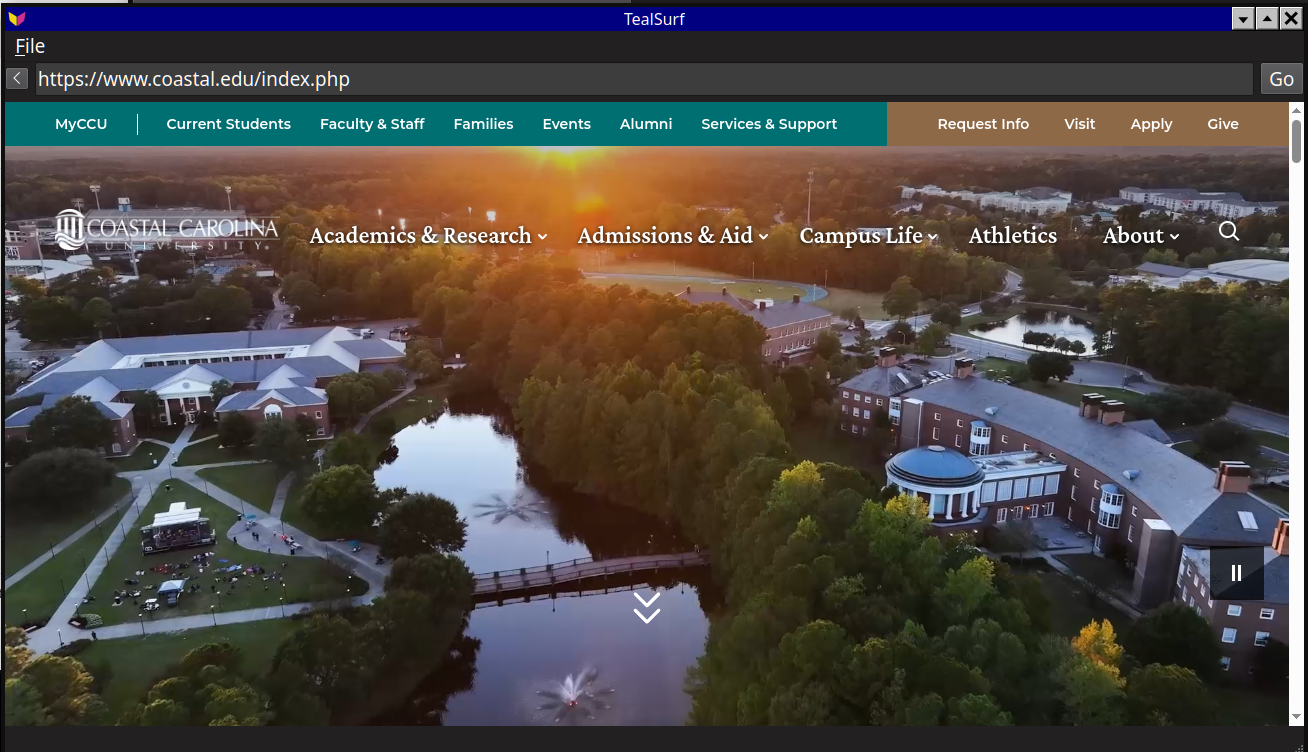
I have created a basic browser in a few lines of code that has the Qt WebEngine widget, an address bar, and a back button (Figure 1). However, it would be nice to have additional features, eventually including an ad blocker. Creating this browser is essentially a greenfield project that offers multiple opportunities to make design and feature decisions.
Scope of Work
Using my initial version as an example, design and develop a more comprehensive browser that has some of the following features (and perhaps others):
- Multiple browser tabs
- Navigation in directions other than "back"
- Bookmarks
- Printing/saving copies of sites
- Ad/content blocking
- Fingerprinting detection and mitigation
- Password manager integration
- VPN connection management
- Offline, limited AI capabilities (translation, text-to-speech, etc.)
- Accessibility tools
Parsing HTML/CSS and interpreting JavaScript are not in scope for this project, since the browser will be based on Qt WebEngine. As such, the resulting application will be another Blink engine browser (based upstream on Chromium, which is the base for both Google Chrome and Microsoft Edge).
Related Research
As more features are implemented, or for work at the thesis level, it will be possible to add instrumentation to detect online surveillance code and mitigate privacy threats. For example, measuring and mitigating device fingerprints is a known concern with any browser. However, there are numerous unknown privacy vulnerabilities that directly result from websites being able to run arbitrary code (JavaScript) on our local computers. Mitigating these threats first requires detecting and analyzing scripts that are delivered without user consent. Some of the feature work (ad/content blocking and fingerprinting mitigation) will require intercepting scripts and measuring how they interact with the browser. The results of these measurements could lead to new insights into privacy and security threats.